
Billing & Subscriptions
Manage your RepairOps subscription, review usage against your plan limits, and handle AI add-ons or credit purchases. Billing is processed through Stripe, but enforcement happens inside RepairOps as well.
Current Pricing
Section titled “Current Pricing”| Plan | Monthly | Annual | Intended For |
|---|---|---|---|
| Starter | $99 | $948/yr ($79/mo) | Small single-location shops |
| Pro | $199 | $1,908/yr ($159/mo) | One serious shop |
| Business | $449 | $4,308/yr ($359/mo) | Busy teams & light multi-location |
| Enterprise | From $1,500 | Custom | Franchises, scale, private cloud (sales-assisted) |
Subscription Management
Section titled “Subscription Management”View Your Subscription
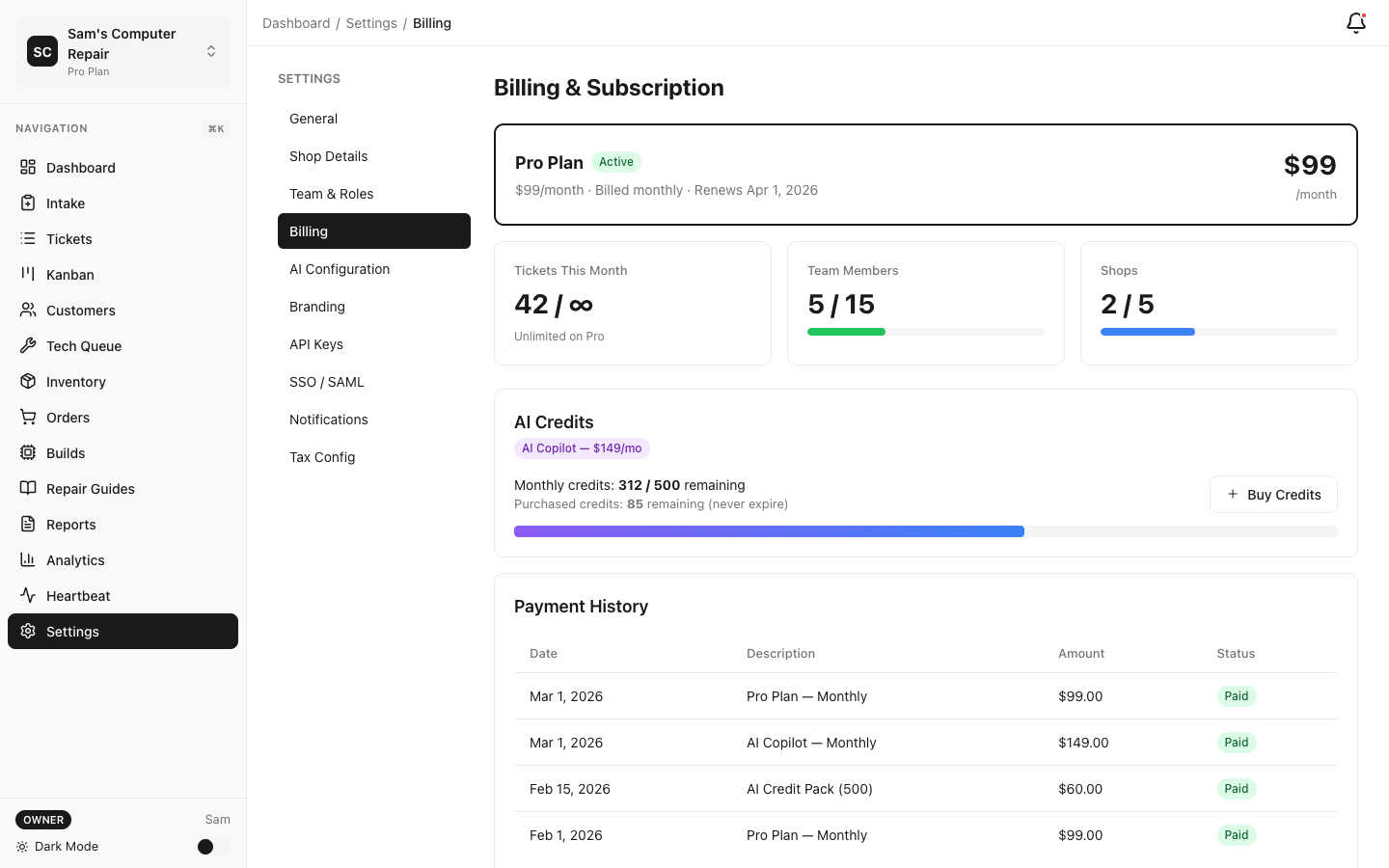
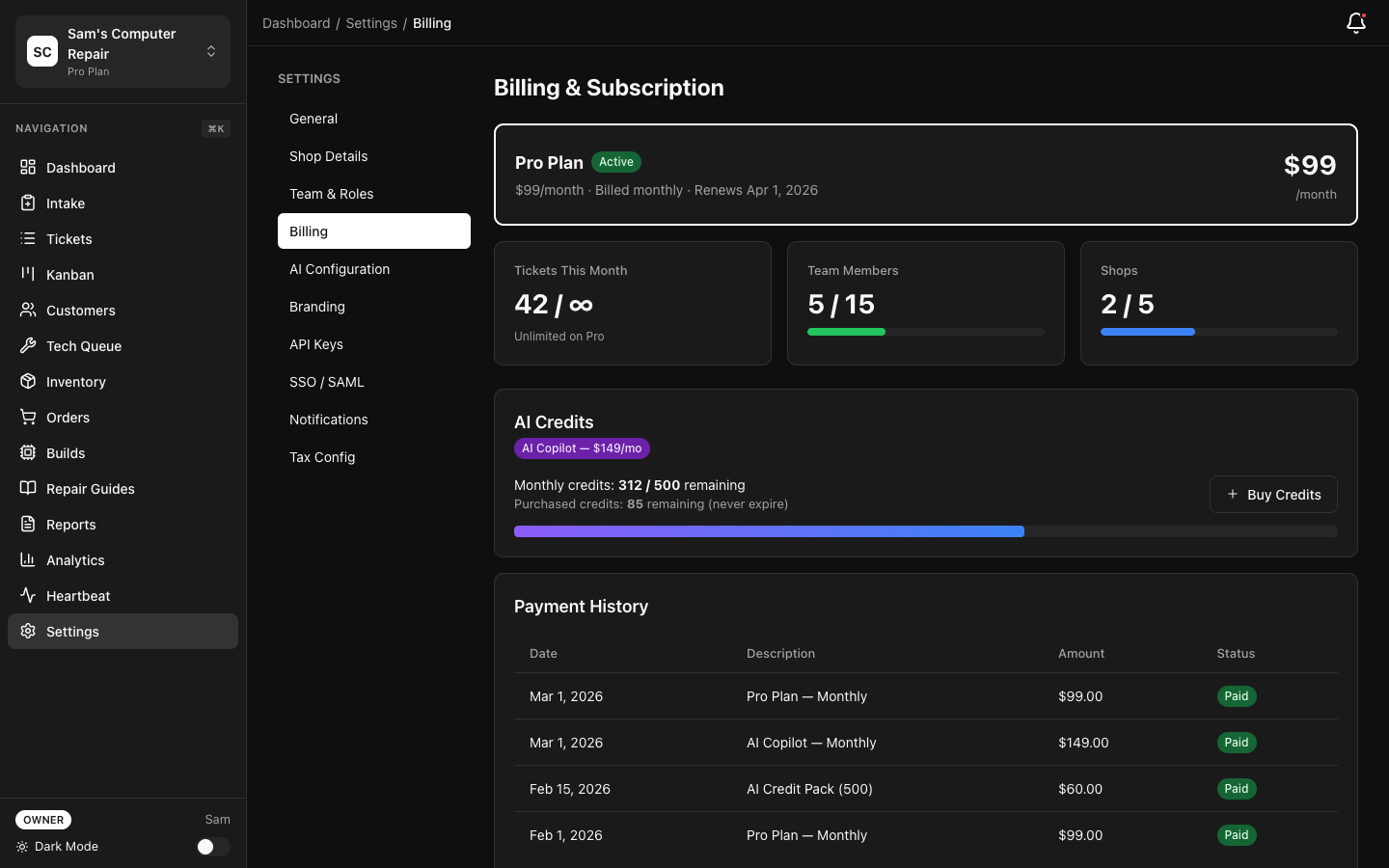
Section titled “View Your Subscription”Open Settings → Billing to review:
- Current plan and billing interval
- Renewal date
- Current usage meters
- Active AI add-on
- Recent invoices and payment method
Upgrade
Section titled “Upgrade”Upgrades take effect immediately. Stripe prorates the remaining value of your current plan and bills the difference for the rest of the cycle.
Downgrade
Section titled “Downgrade”Downgrades typically take effect at the next renewal. If your current organization usage exceeds the destination plan, RepairOps warns you before the change is scheduled.
Cancel
Section titled “Cancel”Canceling stops future renewals. Your organization remains active through the current billing period, after which access is suspended until billing is restored.
Enforced Plan Limits
Section titled “Enforced Plan Limits”| Resource | Starter | Pro | Business | Enterprise |
|---|---|---|---|---|
| Work orders / month | 150 | 10,000 | 25,000 | 100,000 |
| Users | 3 | 10 | 20 | 500 |
| Locations (shops) | 1 | 1 | 2 | 100 |
| SMS / month | 0 | 500 | 1,000 | 10,000 |
| Shop displays | 0 | 1 | 3 | 50 |
| API calls / month | 0 | 0 | 50,000 | 500,000 |
How enforcement works:
- Work orders: New intake is blocked when the monthly quota is exhausted.
- Users: Invites and provisioning are blocked at the cap.
- Locations: New shop creation is blocked at the cap.
- SMS: Outbound sends stop when the quota is exhausted (Starter has no bundled SMS).
- Displays: Additional display tokens cannot be created above the limit.
- API calls: The REST API is Business and Enterprise only; calls beyond the monthly meter
return
402.
RepairOps does not silently bill overages for these resources. Limits are hard gates.
AI Add-Ons
Section titled “AI Add-Ons”AI is purchased separately from the base plan.
| Add-On | Price | Mode | Managed Credits / Month | Hard Cap | Coverage |
|---|---|---|---|---|---|
| Disabled | $0 | Off | 0 | 0 | No AI features |
| AI Ready | $49 | BYOK | 0 | 0 | All supported tasks using your own keys |
| AI Assist | $79 | Managed | 200 | 400 | Intake parse, note cleanup, customer summary, KB search |
| AI Copilot | $149 | Managed | 500 | 1,000 | Full managed task coverage (requires Pro+) |
| Enterprise AI | Custom | BYOK + Managed | 2,000 | 5,000 | Self-hosted routing, fallback, and audit (Enterprise) |
Monthly managed credits do not roll over. The hard cap is the most managed credits that can be consumed in a billing period.
Credit Packs
Section titled “Credit Packs”Organizations with an AI add-on can buy top-up packs:
| Pack | Credits | Price |
|---|---|---|
| Small | 100 | $15 |
| Medium | 500 | $60 |
| Large | 1,000 | $100 |
Purchased credits are non-refundable and expire after 12 months of inactivity.
Typical Task Costs
Section titled “Typical Task Costs”| Task | Credits |
|---|---|
| KB search / KB chat completion | 2 |
| Note cleanup | 3 |
| Intake parse | 5 |
| Customer summary | 8 |
| Diagnostics assist | 10 |
| QC pre-check | 12 |
| Manager insights | 12 |
| Voice-to-text | 15 |
| System Builder generation | 25 |
Budget Controls
Section titled “Budget Controls”In Settings → AI Gateway → Budget, owners can:
- Set a monthly spend ceiling
- Trigger alerts at 75%, 90%, and 100%
- Review which tasks are consuming credits
When the budget or credit pool is exhausted, managed AI tasks are blocked until you buy credits or the next billing period begins.
Invoices and Payment Methods
Section titled “Invoices and Payment Methods”Invoices
Section titled “Invoices”In Settings → Billing → Invoices, you can:
- Download past Stripe invoices
- Review subscription and credit-pack charges
- Confirm billing date and tax information
Payment Methods
Section titled “Payment Methods”Update the default card or ACH method in Settings → Billing → Payment Methods.
Failed Payments
Section titled “Failed Payments”If payment fails:
- Stripe retries automatically.
- RepairOps emails the billing contact.
- Owners can update the payment method and trigger a retry.
- Access eventually shifts to a past-due state if payment is not resolved.
Annual Billing
Section titled “Annual Billing”Annual billing reduces the effective monthly price:
- Starter: $948/year ($79/mo)
- Pro: $1,908/year ($159/mo)
- Business: $4,308/year ($359/mo)
- Enterprise: custom (sales-assisted)
Switching intervals is handled through Stripe Billing and applies at the next applicable billing event.
Tax and Compliance
Section titled “Tax and Compliance”Billing contacts can add VAT/GST/tax identifiers in Settings → Billing → Company. Stripe applies tax calculation based on the configured entity and jurisdiction.
Can we keep using the app if we are over a user limit after a downgrade?
Existing users remain, but new invites are blocked until the organization is back under the limit or re-upgraded.
Do AI credits come with Starter or Pro automatically?
No. Base plans include zero managed AI credits. Monthly AI credits come from the selected AI add-on.
Can we buy credits without an AI add-on?
No. Top-up packs require an active AI add-on.
Related Pages
Section titled “Related Pages”- Feature Matrix — Compare plan capabilities side by side
- AI Gateway — AI routing, tasks, and budget controls
- Security — Payment security and API key governance