
Plans & Billing
Understand how RepairOps pricing works, which limits are enforced at each tier, and how AI add-ons fit into the base subscription.
Plan Snapshot
Section titled “Plan Snapshot”| Plan | Monthly | Annual | Best For | Core Limits |
|---|---|---|---|---|
| Starter | $99 | $948/yr ($79/mo) | Small single-location shops | 150 work orders/mo, 3 users, 1 shop, 0 SMS/mo |
| Pro | $199 | $1,908/yr ($159/mo) | One serious shop | 10,000 work orders/mo, 10 users, 1 shop, 500 SMS/mo |
| Business | $449 | $4,308/yr ($359/mo) | Busy teams & light multi-location | 25,000 work orders/mo, 20 users, 2 shops, 1,000 SMS/mo |
| Enterprise | From $1,500 | Custom | Franchises, scale, private cloud | 100,000 work orders/mo, 500 users, 100 shops, 10,000 SMS/mo |
Starter, Pro, and Business are self-serve; Enterprise is sales-assisted. Every self-serve plan includes the full repair workflow, customer portal, notifications, and a 14-day trial. Trial organizations receive 50 AI credits to evaluate AI-powered workflows.
What Each Tier Unlocks
Section titled “What Each Tier Unlocks”Starter
Section titled “Starter”Starter covers the full day-to-day repair flow:
- Intake, triage, diagnostics, quoting, approval, repair, QC, pickup, and invoicing
- Customer portal and status tracking
- Inventory, service catalog, CSV import/export, and PCRT migration
- Knowledge Base articles, System Builder manual mode, and iFixit guide access
- Free plugins such as label printing and core operational tools
Pro is the complete operating system for one shop:
- 10,000 work orders/mo, 10 users, 1 shop, 1 shop-floor display
- Advanced analytics
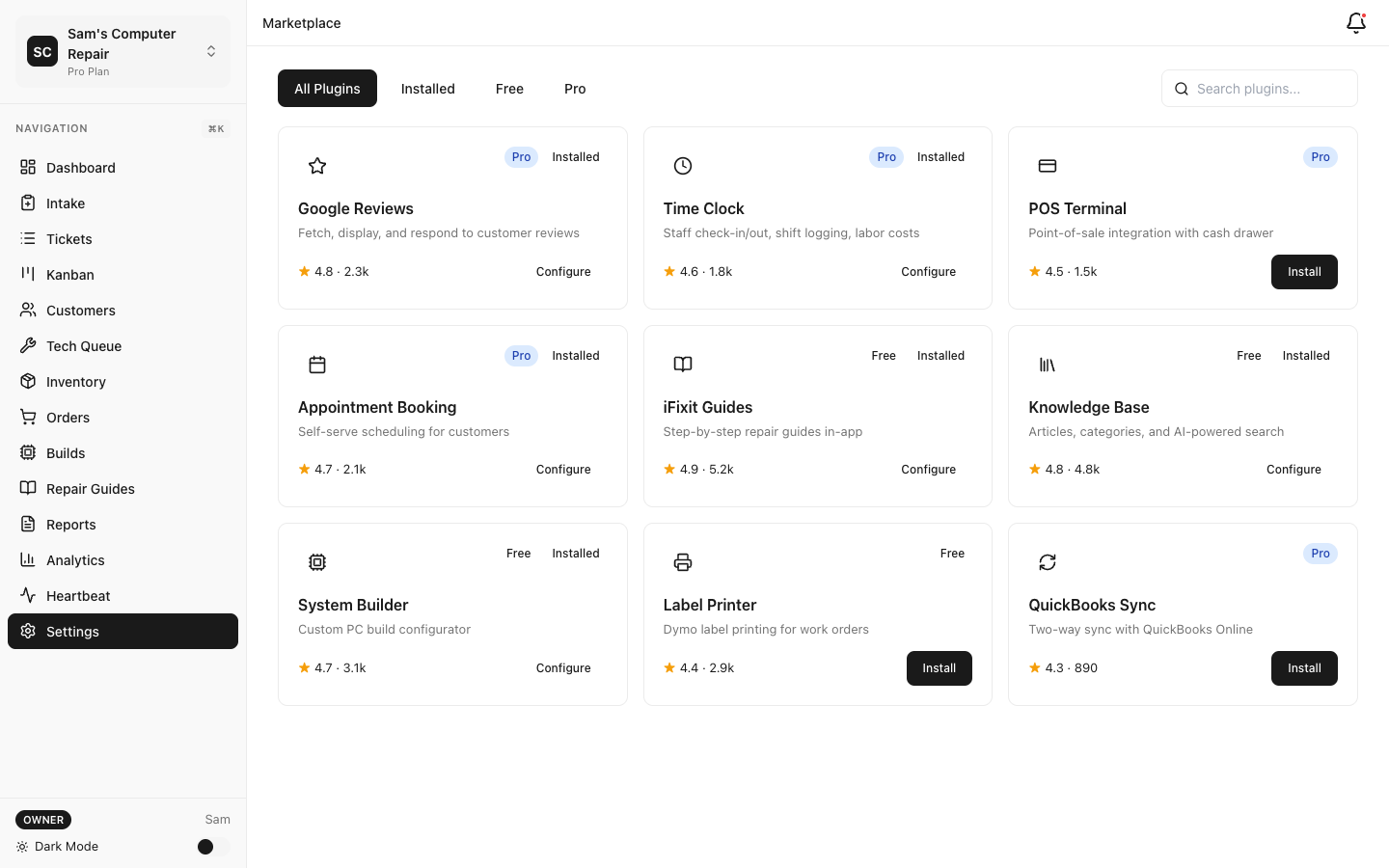
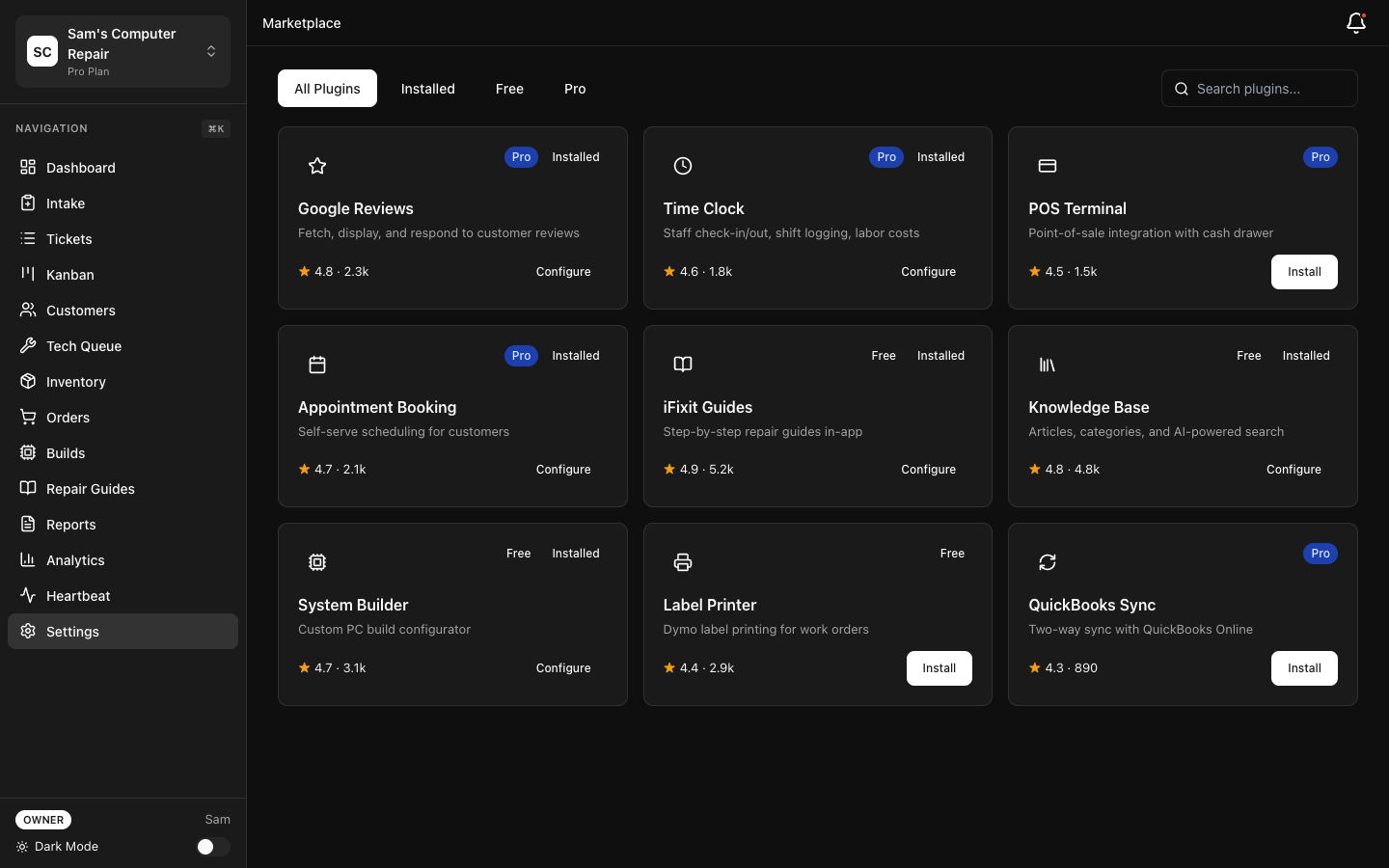
- Plugin Marketplace plus POS Terminal, Time Clock, Appointment Booking, Google Reviews, and Status Widget Pro
- The full AI Gateway control surface (AI execution still requires an AI add-on or BYOK keys)
Business
Section titled “Business”Business adds team scale and integration:
- 25,000 work orders/mo, 20 users, 2 locations, 3 shop displays
- Light multi-location operations
- REST API with scoped API keys and outbound webhooks
- Voice Copilot / RingCentral voice integration
- Advanced customer export and AI manager insights (with an AI add-on)
- Optional self-hosted deployment package
Enterprise
Section titled “Enterprise”Enterprise adds platform and compliance features:
- 100,000 work orders/mo, up to 500 users, 100 locations (overridable by contract)
- White-label branding and custom domain support
- SSO / SAML
- Self-hosted AI via Ollama, fallback chains, and AI audit exports
- Private cloud and negotiated limits
Metered Limits
Section titled “Metered Limits”These limits are enforced in product code and at the database boundary. When you hit a hard quota, the relevant action is blocked until your billing period resets or you upgrade.
| Resource | Starter | Pro | Business | Enterprise |
|---|---|---|---|---|
| Work orders / month | 150 | 10,000 | 25,000 | 100,000 |
| Users | 3 | 10 | 20 | 500 |
| Locations (shops) | 1 | 1 | 2 | 100 |
| SMS / month | 0 | 500 | 1,000 | 10,000 |
| Shop displays | 0 | 1 | 3 | 50 |
| Storage | 10 GB | 50 GB | 200 GB | 1 TB |
| API calls / month | 0 | 0 | 50,000 | 500,000 |
| Advanced exports / month | 10 | 25 | 250 | 2,000 |
Notes:
- Work-order limits reset with your billing cycle, not the calendar month.
- User and location limits are hard caps. Existing records remain, but creating new ones is blocked.
- SMS quotas are hard-capped. When you run out, RepairOps stops sending outbound texts until the next cycle or an upgrade. (Starter includes no bundled SMS.)
- The REST API and webhooks are Business and Enterprise only.
AI Add-Ons
Section titled “AI Add-Ons”Base plans do not include monthly managed AI credits. AI is enabled through a separate AI add-on.
| Add-On | Monthly Price | Mode | Included Managed Credits | Hard Cap | Best For |
|---|---|---|---|---|---|
| Disabled | $0 | Off | 0 | 0 | Teams not using AI |
| AI Ready | $49 | BYOK | 0 | 0 | Teams bringing their own provider keys |
| AI Assist | $79 | Managed | 200 | 400 | Intake parsing, note cleanup, customer summaries, KB search |
| AI Copilot | $149 | Managed | 500 | 1,000 | Full AI task coverage including diagnostics, QC, and voice |
| Enterprise AI | Custom | BYOK + Managed | 2,000 | 5,000 | Enterprise orgs needing self-hosted, failover, and audit controls |
AI Copilot requires a Pro or higher base plan. Enterprise AI requires Enterprise and is sales-assisted. The hard cap is the most managed credits that can be consumed in a billing period.
Credit Packs
Section titled “Credit Packs”If your managed AI credits run out, you can buy top-up packs:
| Pack | Credits | Price |
|---|---|---|
| Small | 100 | $15 |
| Medium | 500 | $60 |
| Large | 1,000 | $100 |
Purchased credits are non-refundable and expire after 12 months of inactivity. Monthly included credits from AI Assist or AI Copilot do not roll over.
Example AI Task Costs
Section titled “Example AI Task Costs”Managed credit usage is tied to the specific task:
| Task | Credits |
|---|---|
| KB search | 2 |
| Note cleanup | 3 |
| Intake parse | 5 |
| Wait-time estimate | 5 |
| Customer summary | 8 |
| Diagnostics assist | 10 |
| QC pre-check | 12 |
| Manager insights | 12 |
| Voice-to-text | 15 |
| System Builder generation | 25 |
Trial, Billing Cycle, and Proration
Section titled “Trial, Billing Cycle, and Proration”- 14-day free trial
- 50 trial AI credits
- No contract required to start
Monthly vs Annual
Section titled “Monthly vs Annual”- Monthly billing is best while you’re adopting the platform.
- Annual billing reduces the effective monthly cost (e.g. Starter $79/mo billed annually).
Upgrades
Section titled “Upgrades”Upgrades take effect immediately. RepairOps and Stripe apply prorated credit for unused time on your current plan and bill the difference for the remainder of the cycle.
Downgrades
Section titled “Downgrades”Downgrades normally take effect on the next renewal so your shop does not lose access mid-cycle. If the downgraded plan would put you over quota, RepairOps flags the affected resources first.
Managing Your Subscription
Section titled “Managing Your Subscription”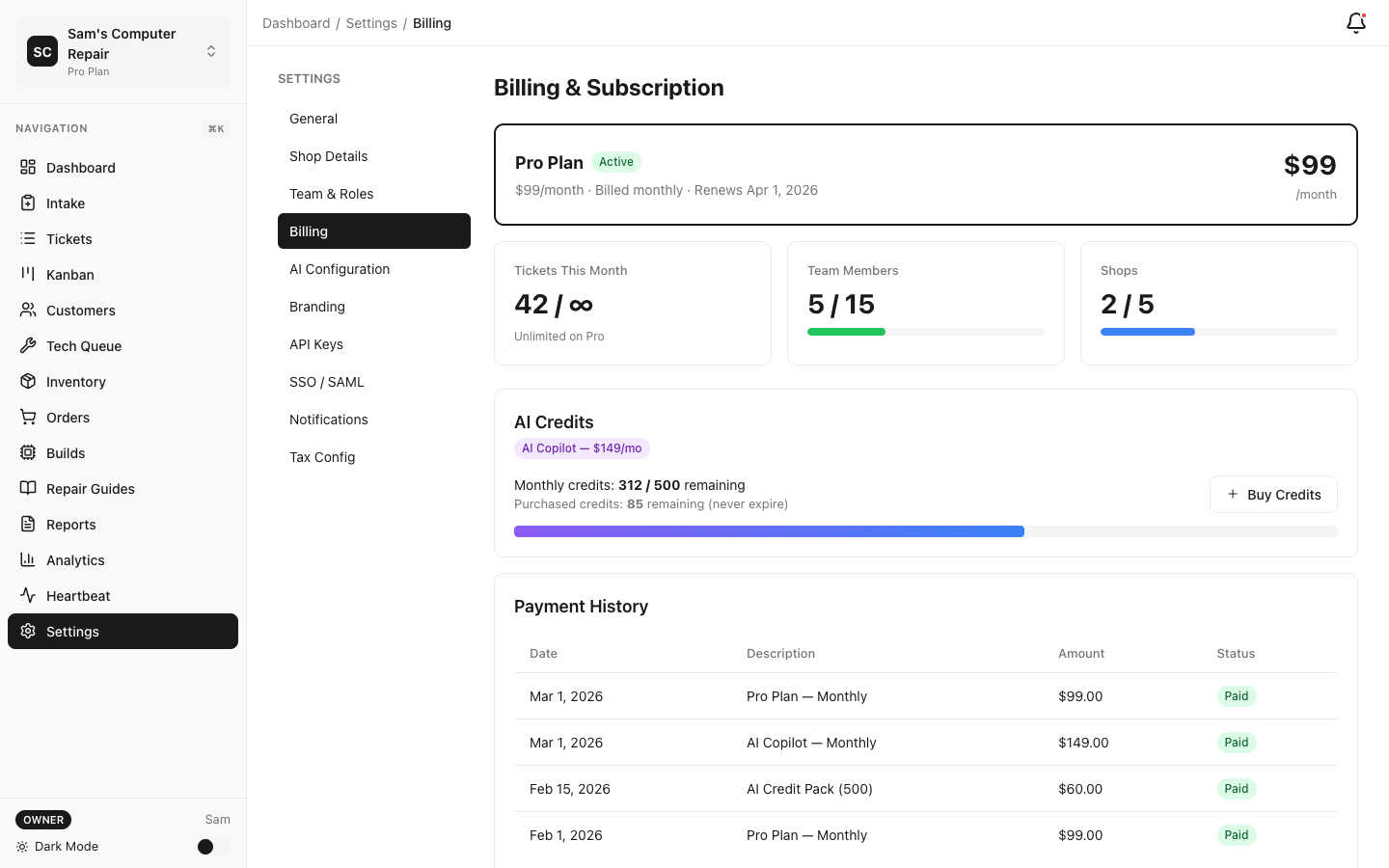
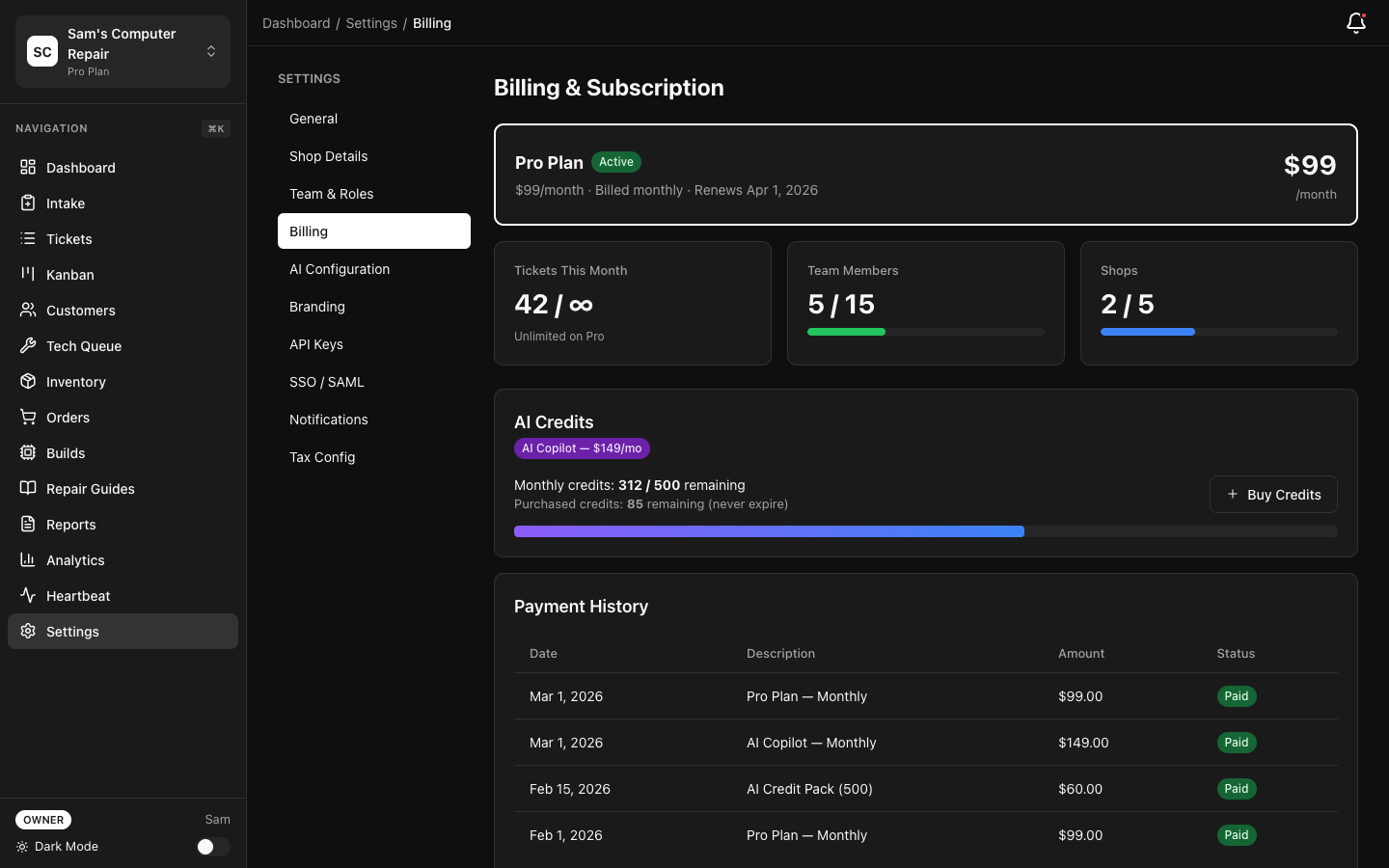
- Open Settings → Billing.
- Review your current plan, renewal date, and usage meters.
- Click Change Plan to move between Starter, Pro, and Business (Enterprise is sales-assisted).
- Add or remove an AI add-on from the same billing screen.
- Use Purchase Credits if you need a top-up pack.
Common Questions
Section titled “Common Questions”What happens if I hit the Starter work-order limit? New intake is blocked until your cycle resets or you upgrade.
Can I use BYOK instead of managed credits? Yes. Choose AI Ready for BYOK-only access, or Enterprise AI if you need BYOK plus managed fallback.
Do purchased credits roll over? Purchased credits remain available until used, but expire after 12 months of inactivity. Monthly included credits do not roll over.
Can I cancel anytime? Yes. Your subscription remains active through the current billing period, then stops renewing.
Related Pages
Section titled “Related Pages”- Quick Start — Set up your org and start using the app
- Team Setup — Add staff within your plan limits
- Billing & Subscriptions — Admin-focused subscription management
- Feature Matrix — Full feature-by-feature comparison