
Developer Guide
RepairOps provides APIs and plugin systems for developers and integrators. Build custom integrations, extend functionality with plugins, and deploy RepairOps on your own infrastructure.
Core Developer Topics
Section titled “Core Developer Topics”Complete API documentation for Enterprise tier. Access tickets, customers, inventory, KPIs, and more. Manage API keys, configure webhooks, and integrate with your systems.
Available on: Enterprise tier only.
Build custom plugins to extend RepairOps. Learn the manifest specification, capabilities system, event handling, and plugin testing. Submit plugins to the marketplace.
Available on: All tiers (submit to marketplace on Pro/Enterprise).
Deploy RepairOps on your own infrastructure with Docker Compose. Set up Postgres, Supabase, Redis, and the RepairOps worker. Configure backups, monitoring, and SSL.
Available on: Enterprise tier only.
API Quickstart
Section titled “API Quickstart”Get started with the REST API in 3 steps:
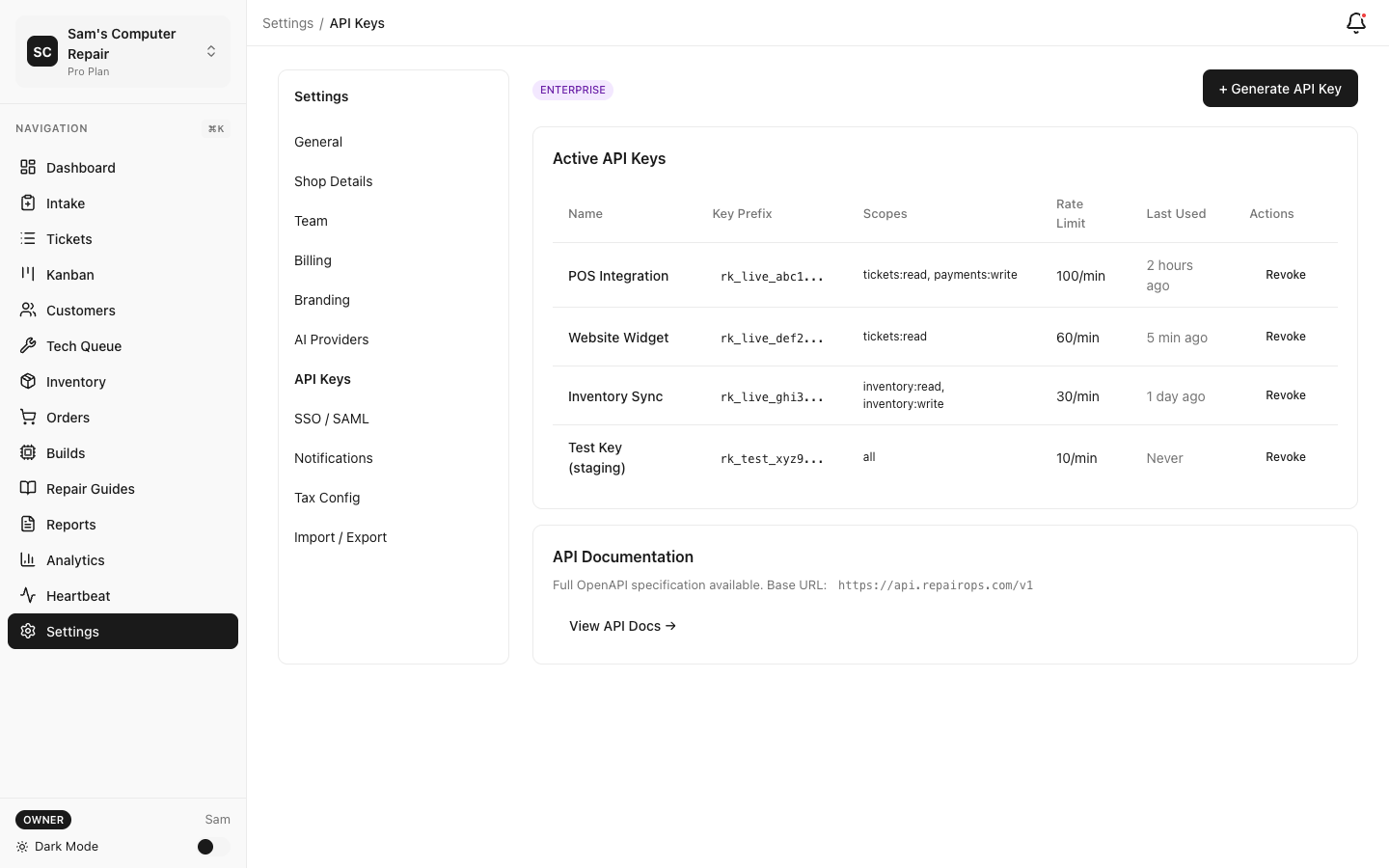
1. Generate an API Key
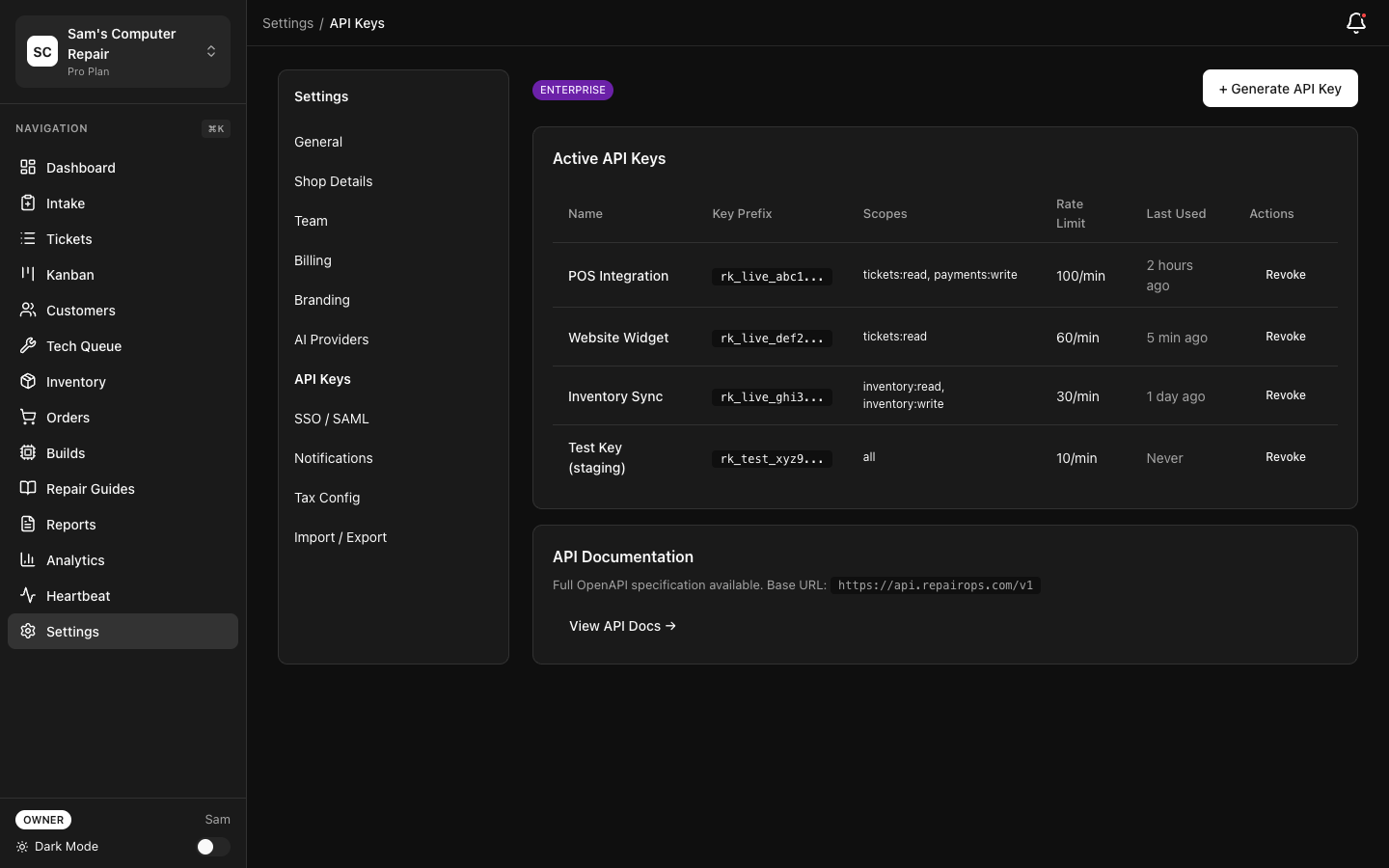
Section titled “1. Generate an API Key”Settings → API Keys → Generate New Key → Select scope (Read/Write/Admin)
2. Make an API Call
Section titled “2. Make an API Call”curl -H "Authorization: Bearer YOUR_API_KEY" \ https://api.repairops.io/v1/tickets3. Read the API Reference
Section titled “3. Read the API Reference”See REST API Reference for all endpoints.
Plugin Quickstart
Section titled “Plugin Quickstart”Build your first plugin in 5 minutes:
1. Set Up Development Environment
Section titled “1. Set Up Development Environment”npm install -g @repairops/plugin-cliplugin-cli init my-plugincd my-pluginnpm install2. Create a Simple Plugin
Section titled “2. Create a Simple Plugin”Edit manifest.json:
{ "name": "My First Plugin", "version": "1.0.0", "capabilities": ["label_printer"], "handler": "index.ts"}3. Test Locally
Section titled “3. Test Locally”plugin-cli dev4. Submit to Marketplace
Section titled “4. Submit to Marketplace”plugin-cli publishSee Plugin SDK for full details.
Self-Hosted Quickstart
Section titled “Self-Hosted Quickstart”Deploy RepairOps locally with Docker Compose:
1. Clone Configuration
Section titled “1. Clone Configuration”git clone https://github.com/repairops/docker-compose.gitcd docker-compose2. Configure Environment
Section titled “2. Configure Environment”Create .env file with database credentials, API keys, etc.
3. Start Services
Section titled “3. Start Services”docker-compose up -d4. Access RepairOps
Section titled “4. Access RepairOps”Open http://localhost:3000 in your browser.
See Self-Hosted Deployment for production setup.
Common Integration Patterns
Section titled “Common Integration Patterns”Listen to Repair Ticket Events
Section titled “Listen to Repair Ticket Events”Use webhooks to react when ticket status changes:
// When ticket moves to "In Repair"POST /webhooks/ticket-events{ "event": "ticket.transitioned", "ticket_id": "abc-123", "from_status": "APPROVED", "to_status": "IN_REPAIR", "timestamp": "2026-03-09T15:30:00Z"}Export Tickets for Analysis
Section titled “Export Tickets for Analysis”Get all tickets for a date range:
curl -H "Authorization: Bearer YOUR_API_KEY" \ "https://api.repairops.io/v1/tickets?created_after=2026-01-01&created_before=2026-02-01"Create Repair Tickets Programmatically
Section titled “Create Repair Tickets Programmatically”Integrate your website booking system with RepairOps:
curl -X POST \ -H "Authorization: Bearer YOUR_API_KEY" \ -H "Content-Type: application/json" \ -d '{ "customer_email": "john@example.com", "device_identifier": "iPhone 14 Pro", "issue_description": "Cracked screen" }' \ https://api.repairops.io/v1/ticketsHelp & Support
Section titled “Help & Support”- Help Center — FAQs and troubleshooting
- Community Forum — Discuss plugins and integrations
- Support — Contact our support team
- GitHub Issues — Report bugs or request features
SDK & Libraries
Section titled “SDK & Libraries”JavaScript/TypeScript SDK
Section titled “JavaScript/TypeScript SDK”npm install @repairops/sdkimport { RepairOpsClient } from '@repairops/sdk'
const client = new RepairOpsClient({ apiKey: process.env.REPAIROPS_API_KEY})
const tickets = await client.tickets.list()REST API (No SDK)
Section titled “REST API (No SDK)”All features are accessible via REST API with standard HTTP methods (GET, POST, PATCH, DELETE).
Webhook Events
Section titled “Webhook Events”Subscribe to real-time ticket events, payment notifications, and more.
Rate Limits
Section titled “Rate Limits”- Read endpoints: 1,000 requests/hour
- Write endpoints: 100 requests/hour
- Admin endpoints: 10 requests/hour
Rate limits are per API key. Exceeding limits returns 429 Too Many Requests.
Authentication
Section titled “Authentication”All API requests require Bearer token authentication:
Authorization: Bearer YOUR_API_KEYAPI keys can be created and rotated in Settings → API Keys.
Architecture Overview
Section titled “Architecture Overview”┌──────────────────────────────────────┐│ Your Application ││ (Website, Kiosk, CRM, etc.) │└─────────────┬──────────────────────┘ │ │ REST API / GraphQL │┌─────────────v──────────────────────┐│ RepairOps API Gateway ││ - Auth & API key validation ││ - Rate limiting ││ - Request logging │└─────────────┬──────────────────────┘ │┌─────────────v──────────────────────┐│ RepairOps Backend ││ - Business logic ││ - Ticket state machine ││ - Multi-tenant isolation (RLS) │└─────────────┬──────────────────────┘ │┌─────────────v──────────────────────┐│ Postgres Database ││ - Tickets, customers, inventory ││ - Encrypted at rest ││ - Automated daily backups │└─────────────────────────────────────┘Data Model Overview
Section titled “Data Model Overview”Core Entities
Section titled “Core Entities”- Organizations — Your repair shop
- Shops — Physical locations
- Tickets — Repair jobs
- Customers — Customer profiles
- Inventory — Parts and materials
- Invoices — Billing records
Relationships
Section titled “Relationships”Organization├── Shops│ ├── Tickets│ │ ├── Customer│ │ ├── Technician (User)│ │ └── Invoices│ ├── Inventory│ └── POS Transactions└── Team Members (Users)Tier Requirements
Section titled “Tier Requirements”| Feature | Starter | Pro | Enterprise |
|---|---|---|---|
| REST API | — | — | ✓ |
| Plugin SDK | ✓ | ✓ | ✓ |
| Plugin Marketplace | ✓ | ✓ | ✓ |
| Webhooks | — | — | ✓ |
| Self-Hosted | — | — | ✓ |
| Rate limits | — | — | Custom |
Getting Help
Section titled “Getting Help”API documentation unclear?
- Check API Reference
- Browse community examples
Plugin development help?
- Read Plugin SDK
- Check sample plugins on GitHub
Deployment questions?
- See Self-Hosted Guide
- Contact support for Enterprise assistance
Ready to integrate? Start with REST API Reference or Plugin SDK.